






Blogs
Getting Started in Dota 2

Getting Started in Dota 2
You have received an email, it is from Valve and it contains a Dota 2 beta key enabling you to play Dota 2 - An upcoming Action RTS title.
There is only one problem.... You don't know the first thing about Dota 2
Well this guide is here to help!; Throughout this guide i will explain some basics elements of Dota 2 and hopefully get you started on your illustrious Dota career.
After you have activated your Dota 2 key and successfully installed the game, hit play and we shall begin. The first thing you will be greeted by is the Valve mascot - A bald man with a Valve sticking out of his head; Once this is over it will then load the dota 2 in game interface.

Dota 2 ingame UI
The initial UI will display the blog page from the Dota 2 site, which is useful for keeping up to date on any updates that have happened to the game, the community and to dota 2 in general.
On the right side of the screen you have the chat window, which allows you to chat to other people who are also in dota 2, possibly form a party to play as a group or trade tips and tricks about the game.Below that is your steam friends list, displaying if you have anyone else who is online and playing dota.
The most important part of the UI however is the upper portion of the screen which contains a variety of tabs that you can choose from. The most important tabs to a new player are the Learn tab, the watch tab and the play tab.
The Learn tab is a useful resource that you can utilize to gain an understanding of the game. It displays information of all the heros that are currently available as well as all the items that are in game.
The hero screen is divided into 6 parts, this is based on their stat allocations - either strength, agility or intelligence and what team/side they are on based on the lore - radiant or Dire. If you mouse over a hero portrait, it will display their name, if they are a melee or a ranged hero and their role(s).
You can click on the hero portrait and it will display another page with further detailed information concerning the heroes lore, stat allocations and their moveset. There is also videos of each move, showing what they do and how they are used.
If you go to the Items tab, you can see all the items that are available in the game for your hero to buy and use. When you scroll over the icons, it displays the cost of the item, what stat allocation it affects / grants you and any on-use effects.
Once you have read up on some heroes / items and feel confident in playing a game, you have two options available to you.
1. You can play a Bot match
or
2. If you have a friend you can join a lobby game and play with them there.
If you choose option 1, you host a bot match for yourself - this will allow you to get used to the in-game interface and the gameplay that is dota 2. It is a stress free environment where you can go to practice and learn up on heroes in actual in-game scenarios.
To set up a bot match, you have to go to the play tab, and it is located under Find a match.
There are a variety of difficulty setting that you can make the bots at, i would suggest you start out at easy because if it is too hard, you can go down to passive and if it is too easy then you can move up to medium. With each difficulty level the Bots will change to match, executing different strategies and plays.
If you have a friend online who is already playing dota 2 - if they want to teach you about the game, they can host a lobby match where both of you can verse each other. This will enable you to gain a sense of what it is like playing against another person and experience something other than the bots because their actions can be predictable. Your friend can hopefully teach you more about dota as well!.
Once the game has started either Bot game or lobby game, you will be greeted with the Hero selection screen (after everyone hopefully loaded into the game). The hero selection screen has 2 views that you can choose from - it has the card view which is the default mode or the grid layout which is exactly the same as the learn tab, which you can access by pressing the control button.
In the upper right, there is a search box which you can use to find a hero if you are unable to find it. You can also just type the first few letters of a hero's name and the game will try and match what you typed with a hero whose name matches what you wrote.
If you look next to the pick hero button there is also the option to pick a random hero. If you do click this you get rewarded with more starting gold (around 250 more) but the risk is that you might get a hero which you don’t know how to play. For new players i would suggest picking a hero like tidehunter or skeleton king as a good starting hero, mainly because they have a high health pool (being strength heros), are relatively straightforward to play and can make a big impact for your team.
When you have chosen your hero and clicked play, a customize screen will pop up. Whenever you play a public matchmaking game you have a chance to gain an item - you can use these items to customise your hero’s appearance.
Since you are just starting out it doesn't have any relevance so all you need to do is click play and you will spawn next to the fountain in your respective base. The radiant is in the bottom left and the dire’s base is in the upper right. From the fountain you can buy items for your hero and you will also gain health and mana whenever you stand in it.
If you look at the in-game UI, on the bottom left you have your minimap - something that you have to get familiar with. By looking at the map you are aware of where your allies are, the amount of towers that you have left and where the enemy heroes are situated. In the middle of the UI there is the hero portrait and the stat allocation - (strength, agility, intelligence, armour, damage and movement speed) as well as the abilities that your hero can learn.
Above the portrait there will be an icon that states “level up +1”, if you click this icon you can gain one level in any of your first three abilities. Each of the first 3 abilities you can level up as soon as you gain a level, while the fourth ability you have is called your ultimate.You have to wait until level 6 in order to gain a rank in it. It is considered the best spell that your character can have which means you can only level it up 3 times at level 6 , 11 and 16.
Below the portrait there is the XP bar, which shows what level you are and how much more XP you need to gain until you get to the next level. Your hero always starts at level 1 and the max level is 25.
Off to the right, there is 6 empty slots - these are your inventory spaces where you can place items. These items will stay in your inventory unless you sell them or drag and drop them out of the slot. These Item slots can be bound to a hotkey in the options menu for quick access to the items on-use ability (if it is an item with one).
Further along there is your money, symbolised by the three gold coins and the figure that is next to the shop icon. You start off with 603 gold and if you random you start off with 853 gold, you gain gold at approximately one gold per second. In order to gain more money you have to kill enemy creeps, enemy heroes, enemy towers and the neutral creep camps.
Items are key in the Dota world, they provide you with bonuses and abilities that you wouldn’t have otherwise.
To buy an item from the shop you have to click on the shop icon that is located on the bottom right of the screen. When you do this a side menu opens up and you see two panels.
On one side there is the recommended items, these item builds have been made specifically as a guide for what items you should aim to purchase and have at the different stages of the game - Early, middle and late game as well as a luxury or situational items which you should get depending on the situation and/or after you have finished your core items. Off to the other side there is the manual shop, where you can go through each category and look for the specific items that you need. If you cannot find an item, you can search it in the upper corner of the shop menu.
As well as the shop in the fountain there are 4 other shops located on the map. Two side shops and two secret shops. The side shops sell a variety of items that are useful while you are in the lane and the secret shop sells items that are used for higher level items and upgrades. The side shops are located at either side of the long lanes, while the secret shops are in both the radiant and the dire side of the map.
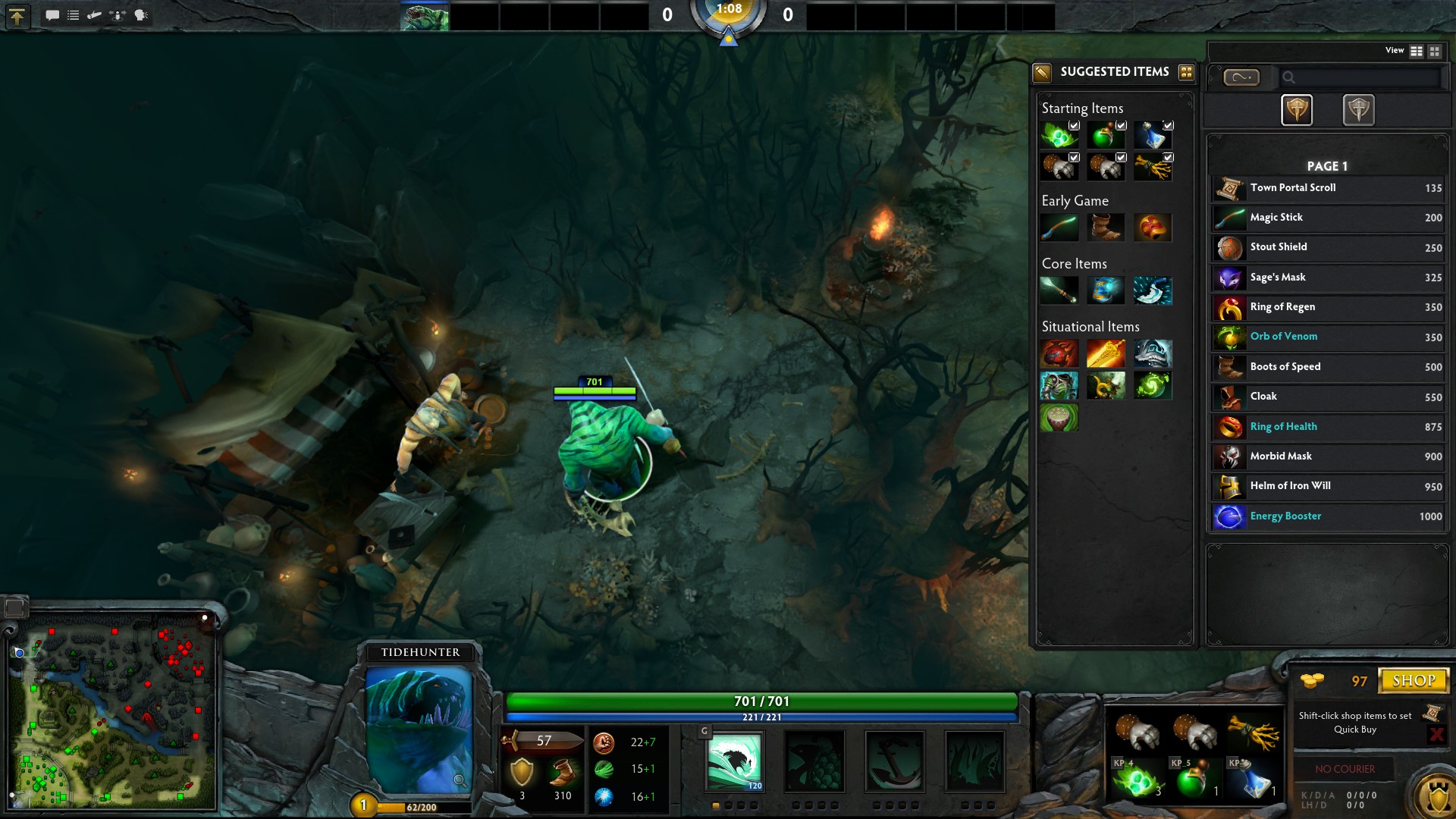
Top lane Side shop
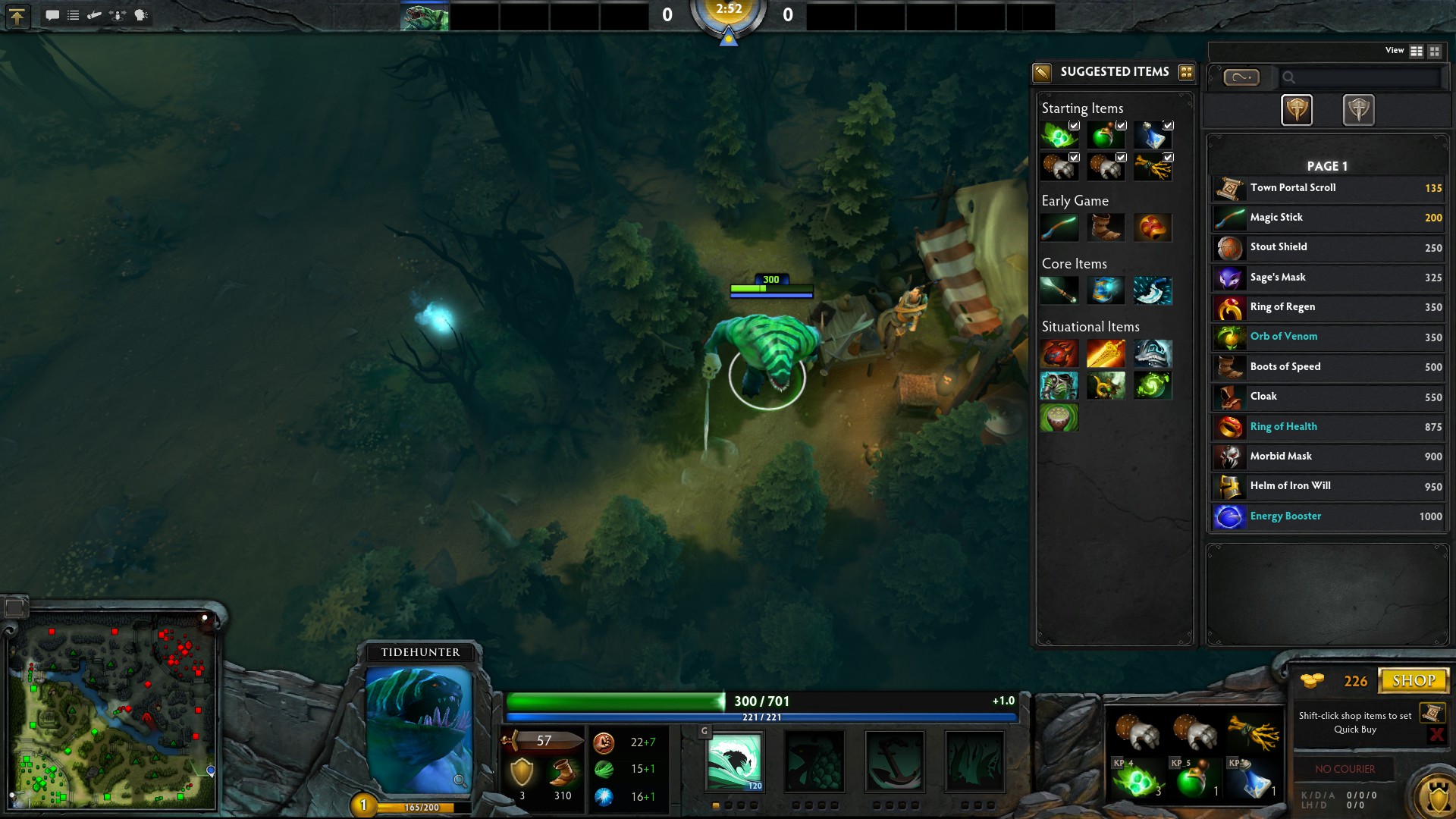
Bottom lane side shop

Radiant secret shop
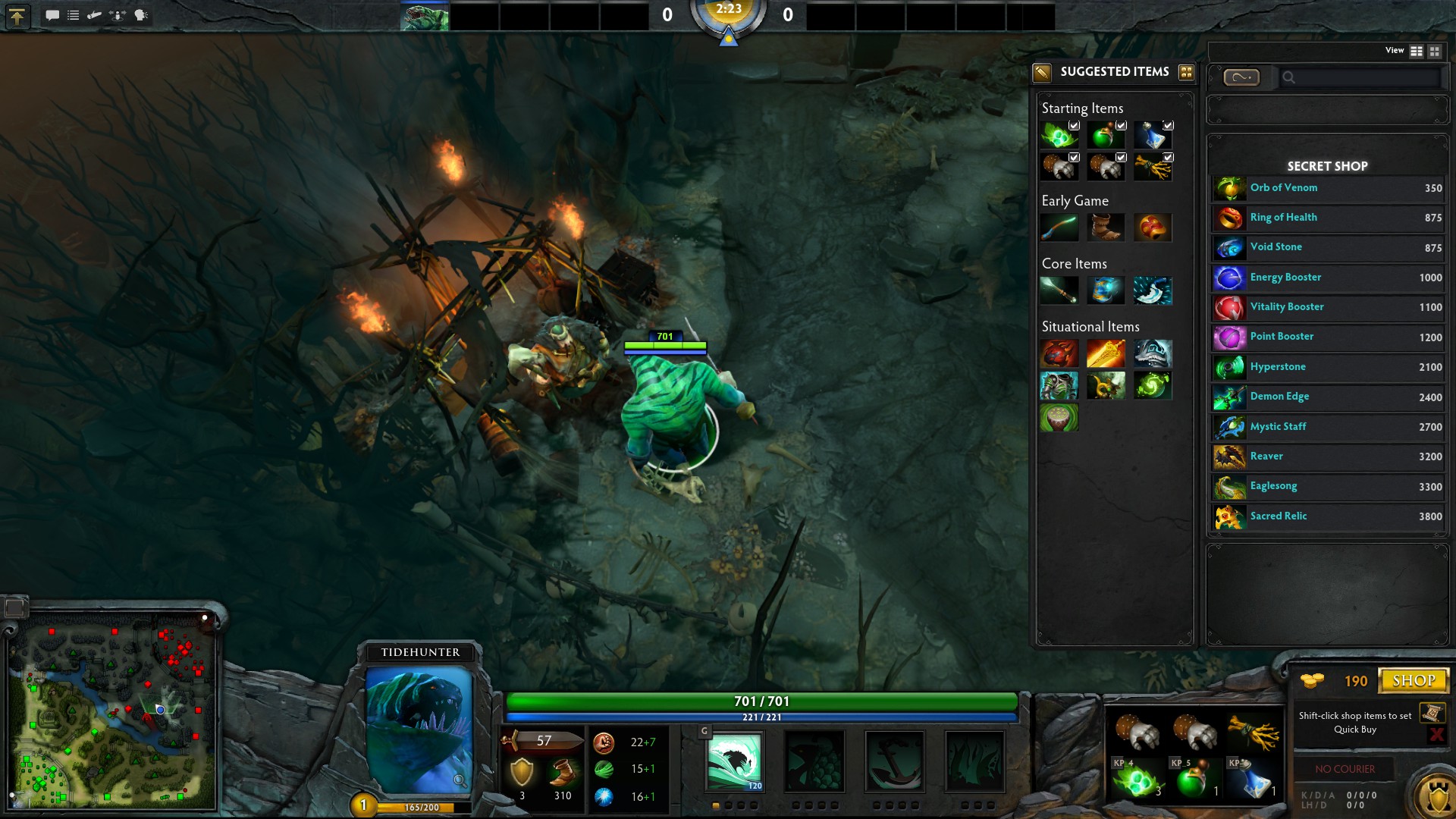
Dire secret shop
To make higher level items, you need to buy a recipe, these can be found when you click on the item. It will tell you the component that make up the item and what recipe you need to buy.
If you are looking to buy an item, you can place it in the quickbuy section of the UI. When you have enough gold, a chime will sound telling you that you can purchase the item, what happens then is if you are away from the shop the item will end up in your stash. You can access your stash from the fountain.
Items in a quickbuy pannel - ready to be bought.
The finished item is waiting in the stash.
If your team has purchased a courier you can use him to ferry you items from your fountain to your hero. You will see the courier access buttons on the lower right side of your UI, just under the quickbuy panel.
In order to buy powerful items, you must farm gold in one of the three lanes that are available. Each lane is protected by two towers within the lane and one tower at base. Creeps spawn every 30 seconds and will run up the lane and engage the other factions creeps in battle.
If you move to attack another hero that is in the lane, the creeps will automatically start attacking you. It is important that you recognise this and time your attacks/harass for when the enemy has less creeps than you do. This is called using Creep momentum to your favour - something that i will touch on in another guide later.
The most important aspect for a new player into dota is to avoid death because when you die you lose gold and experience and you also give the enemy more gold and experience. If you have the option between going for a kill - at the risk of dying or just sitting back defending and killing creeps, choose the latter option for now.
Judging whether or not you can successfully kill a hero requires experience and this is something that you can get from playing the game and watching the game being played. This brings me onto my last point for this long guide.
The final point in this guide is going to be about the watch tab. This tab is in the initial dota 2 UI and enables you to watch current games being played and recent games that have finished.
Through watching other people play you can come to understand more about what each hero does and how you should play them. There is also the option to watch professional games and replays - to do this though you have to pay a small fee (for me it was 5$ AUD).
I hope that this was informative and helpful for the newer players to dota, it takes time to get good at anything so if you keep practicing and learning about dota - you are on your way to becoming a Dota pro!
Good luck and Have fun.